A handy tool
Locker management software
Open, allocate, release, or assign lockers for cleaning? Do it quickly and easily using the locker management software from WEWO Interior Concepts.
In the brochure you get to know us better and you discover your possibilities at our organization. Whatever your issue is, because the brochure is full of practical tips and great examples, you will certainly get inspiration from it.
Manage lockers with software
Our software allows you to manage all lockers on one dashboard. If you have multiple locations, you can find them all in one digital place. You can add users here, such as when a new employee has been hired. You can add users one by one, but also via an automatic import. This is very useful when you want to add large groups of users at the same time - for example in education, at the start of the new school year. This is also useful if you want to synchronise your locker users with an external database.

Other features of the locker management software
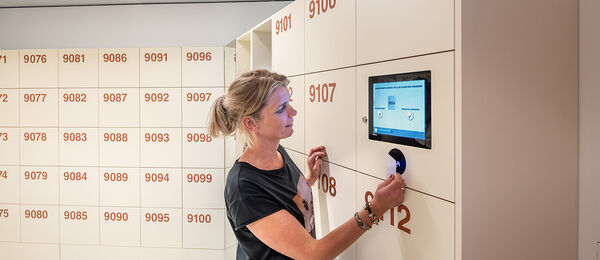
With the web-based software, you can not only allocate lockers, but also release lockers. If your lockers open with a pin code, you can manage the pin codes in the software. If you have chosen lockers with an RFID lock, you can link employees to a permanent locker or to a location in the software. In the latter case, they can choose their own locker with their badge or key fob anywhere in the building or on a certain department or floor. Finally, you can configure a schedule for cleaning in the locker management software. This means that the cleaners will know exactly which lockers were used that day and therefore need to be given a (more thorough) clean.
Settings in the locker management software
With the locker management software, you can configure all the settings yourself. For example, you can configure each user to have a maximum of one locker at a time. That a particular user may only use a locker in a particular building. Or that a locker is automatically released 24 hours after allocating for use. In short: you determine which restrictions the lockers should comply with. The advantage? You configure these restrictions once, and then the lockers automatically know what to do. And do you still want to adjust the settings later? No problem, because it is very simple.

Reports in the locker management software
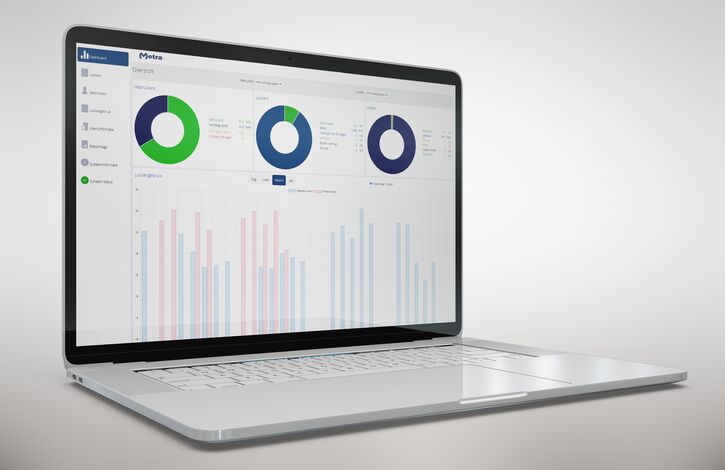
You can print out various reports in the locker management software. After you have logged in, you will see several easy-to-read graphs. In one graph, for example, you can see the duration of use: who has which locker in use and for how long? In another graph, you can see a complete overview of all lockers (by department), so that you can keep an eye on the occupancy rate. You can even get an overview of which regular users have not used their locker for a long time.
Link locker management software
The locker management software can be integrated with or linked to other software packages that you already use, such as access control or student tracking systems.

Locker management software: online reservation and payment
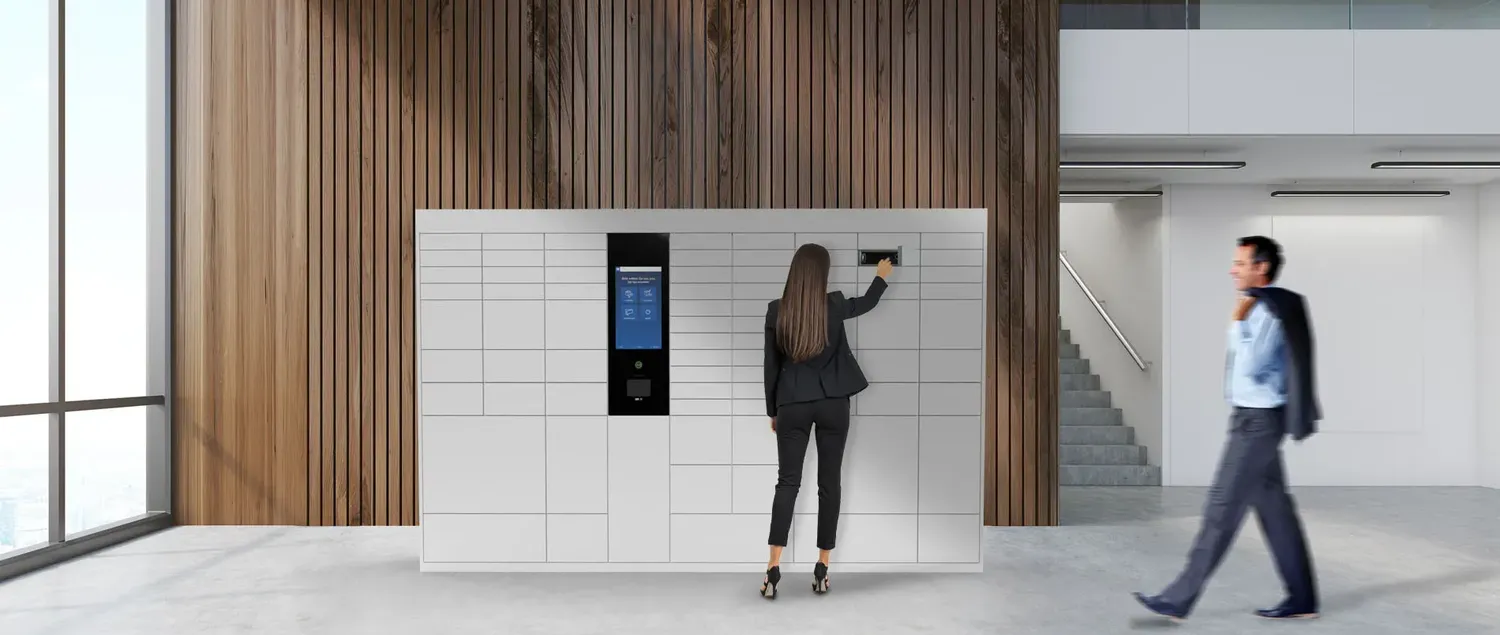
You can supplement the locker management software with the reservation system that WEWO Interior Concepts has developed in house. This allows users to easily select, reserve and if necessary, pay for a locker online.
Locker management software for post lockers
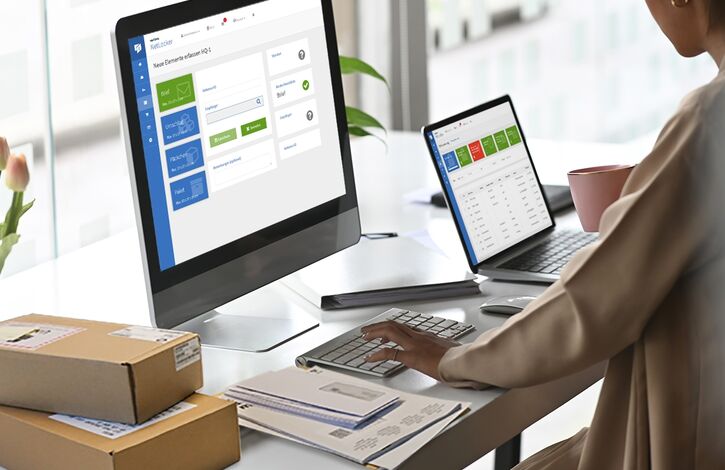
In addition to the locker management software from WEWO Interior Concepts, you can also opt for a software package that allows employees to configure personal email notifications for their post lockers. For example, an employee can indicate what to do with post if they are out of the office. And finally, you can choose an online portal with logging at post lockers. You will then see exactly what happens to all post and packages in your organisation.

Let us hear from you
+31 548 538 375
contact@wewo-ic.com